iPhone

Loading gpx Files into Memory Map on the iPhone

Since writing this article I now follow the same process but keep the files in my Microsoft OneDrive.

Read more about Backpacking Geek – click here.


One big difference between the versions of Memory-Map on my old Windows 6.5 phone and my current iPhone is the way they handle imported routes from the PC version of the software. The Windows version simply connected to the complete route library in the PC application, then on the phone you could choose which routes from that list to show, turning them on and off as required. On the iPhone you have to load the routes individually and once you have finished with that route unload it and then load another (keeping too many routes loaded at one time impacts the performance of the app). The “Save as” gpx file in Memory-Map PC version solves the problem.

But the issue is getting the routes into the app from Memory-Map on the PC. The first thing you have to do is save the individual routes as gpx files on your PC. In my Memory-Map I have a category for Lincolnshire – which has over sixty entries, both routes and location markers – if I save the whole of this category as a gpx file when I open it on the iPhone it is too confusing on the screen to be useful – another reason to limit the open routes/markers on the iPhone.

In the knowledge base on the Memory-Map website it describes how to email gpx files to your iPhone for use in the Memory-Map app. However I use my Dropbox account to transfer (and store) my gpx routes and markers.

It is easy to save gpx files on my PC with descriptive names, into a Dropbox folder, these then synchronise to my Dropbox online. Using the Dropbox app on my iPhone I can access the files.
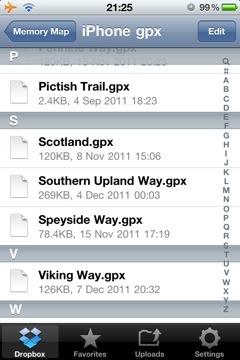
20111207-212826.jpg

gpx files in a Dropbox folders

These files are opened in Dropbox, by tapping on them – they open as text files. By then tapping on the “open in” icon I can choose to open the file in Memory-Map.
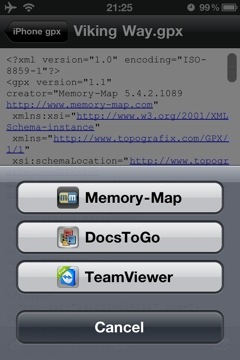
20111207-212925.jpg

showing the “open in” option

The gpx file is loded into the Marks and Routes section of the Memory-Map app.
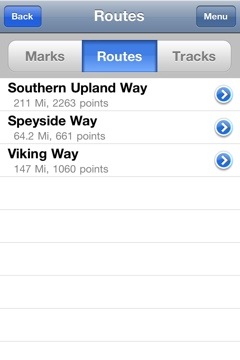
20111207-213016.jpg

the gpx file available for use in Memory Map

From there it can be opened and used on a map.
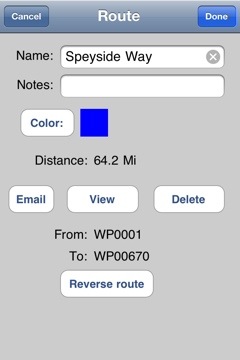
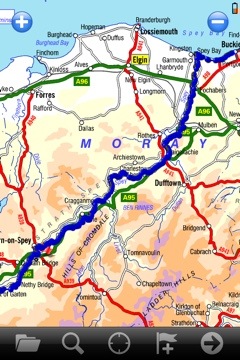
20111208-124813.jpg

20111208-124832.jpg

I have a number of gpx files available for free download here – more are always being added.

This article is sponsored by Octagon Technology.

Loading gpx Files into Memory Map on the iPhone Read More »

A Walk in the Woods

A short walk in the woods yesterday.

20111204-212703.jpg

I set out early and took some extra breakfast with me – and boiled water on my meths stove for tea, having found a convenient fallen tree, in a quiet clearing, to sit on.

20111204-212756.jpg

I had to stand over the sapling, below, to get the frame I wanted and from that position I could not hold the iPhone steady enough, so I used the “stabiliser” finction in the Camera+ app to get a sharp image.

20111204-212841.jpg

20111204-213012.jpg


20111204-213239.jpg

20111204-213348.jpg

20111204-213417.jpg

A Walk in the Woods Read More »

Lincoln City Centre Photographs

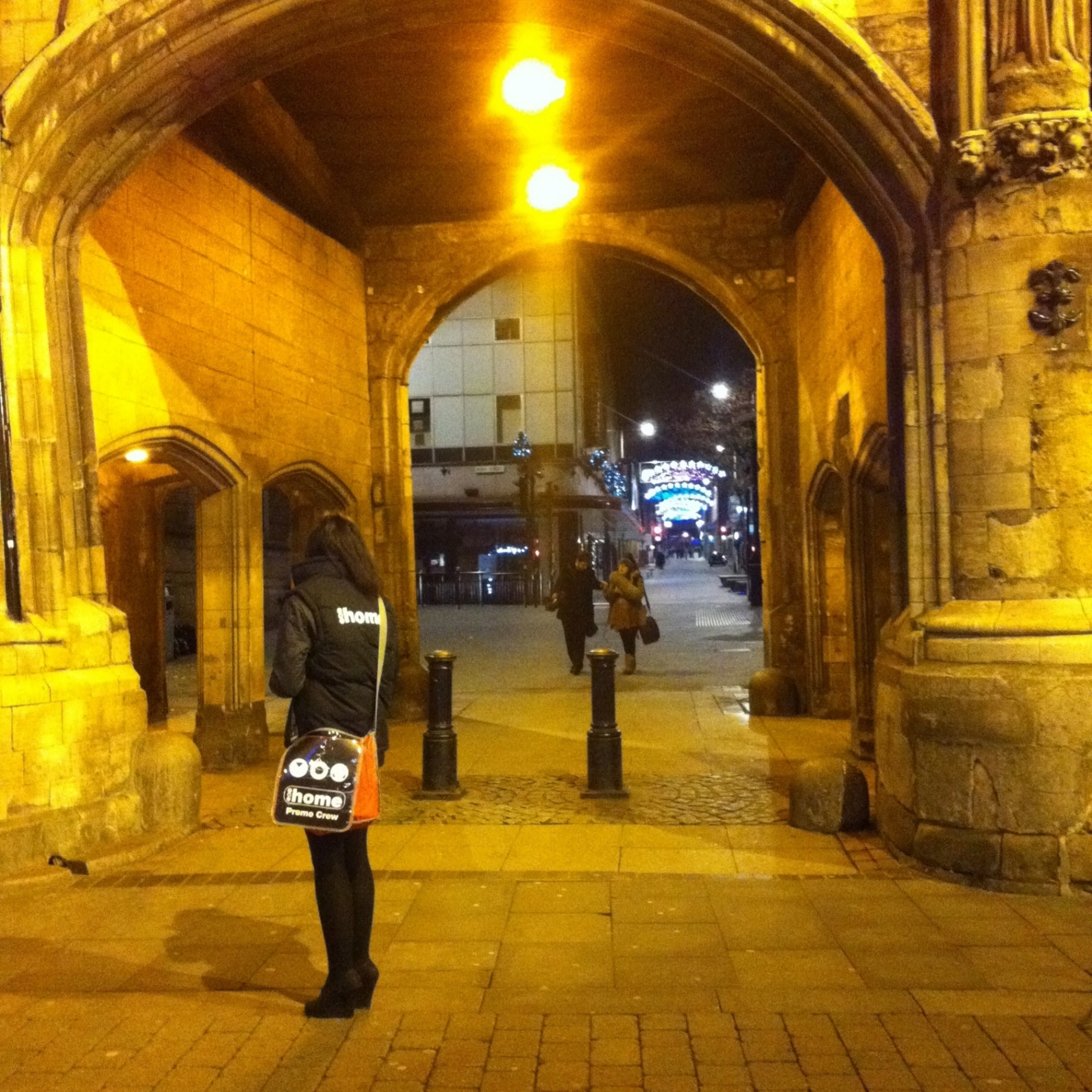
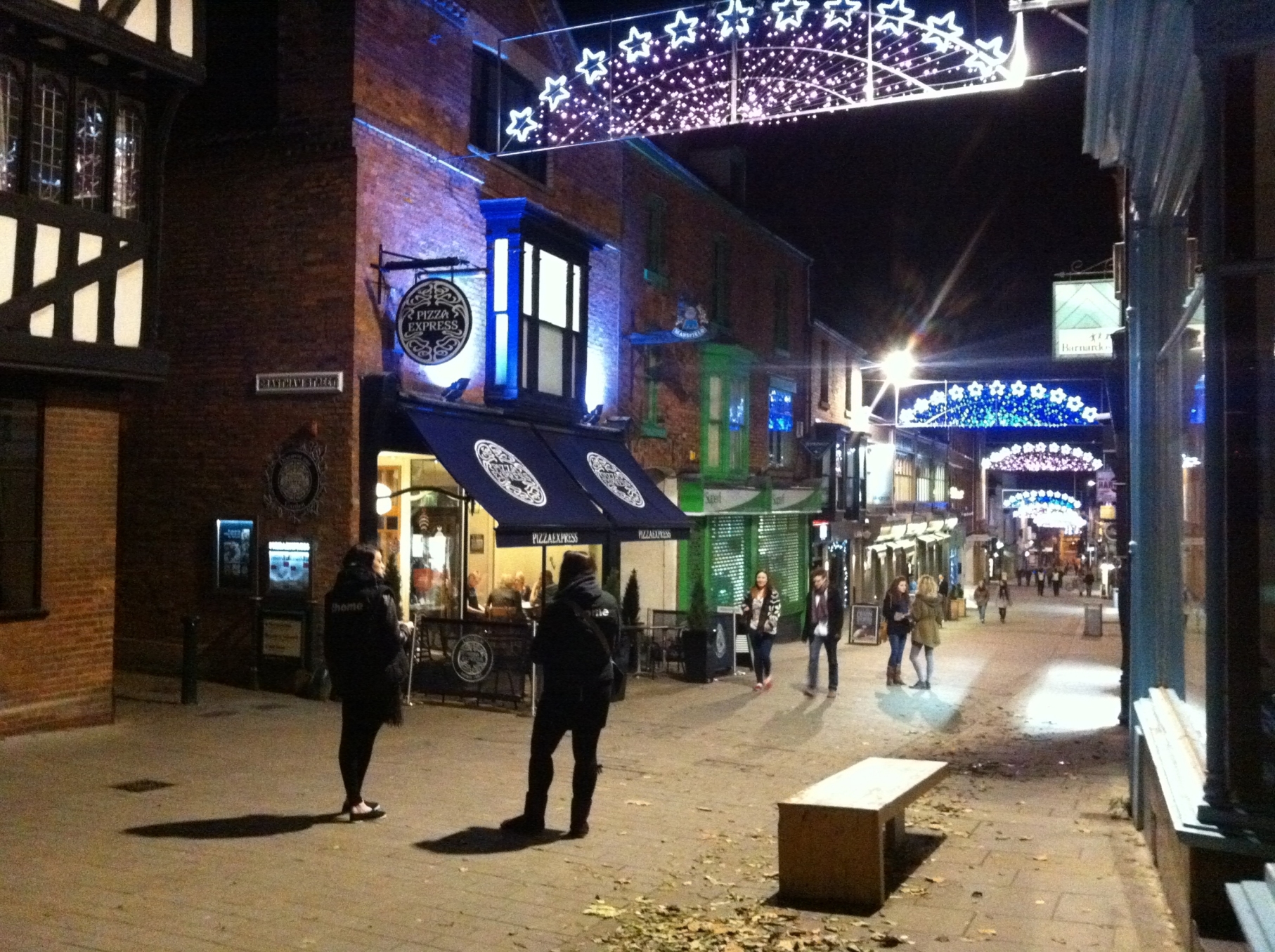
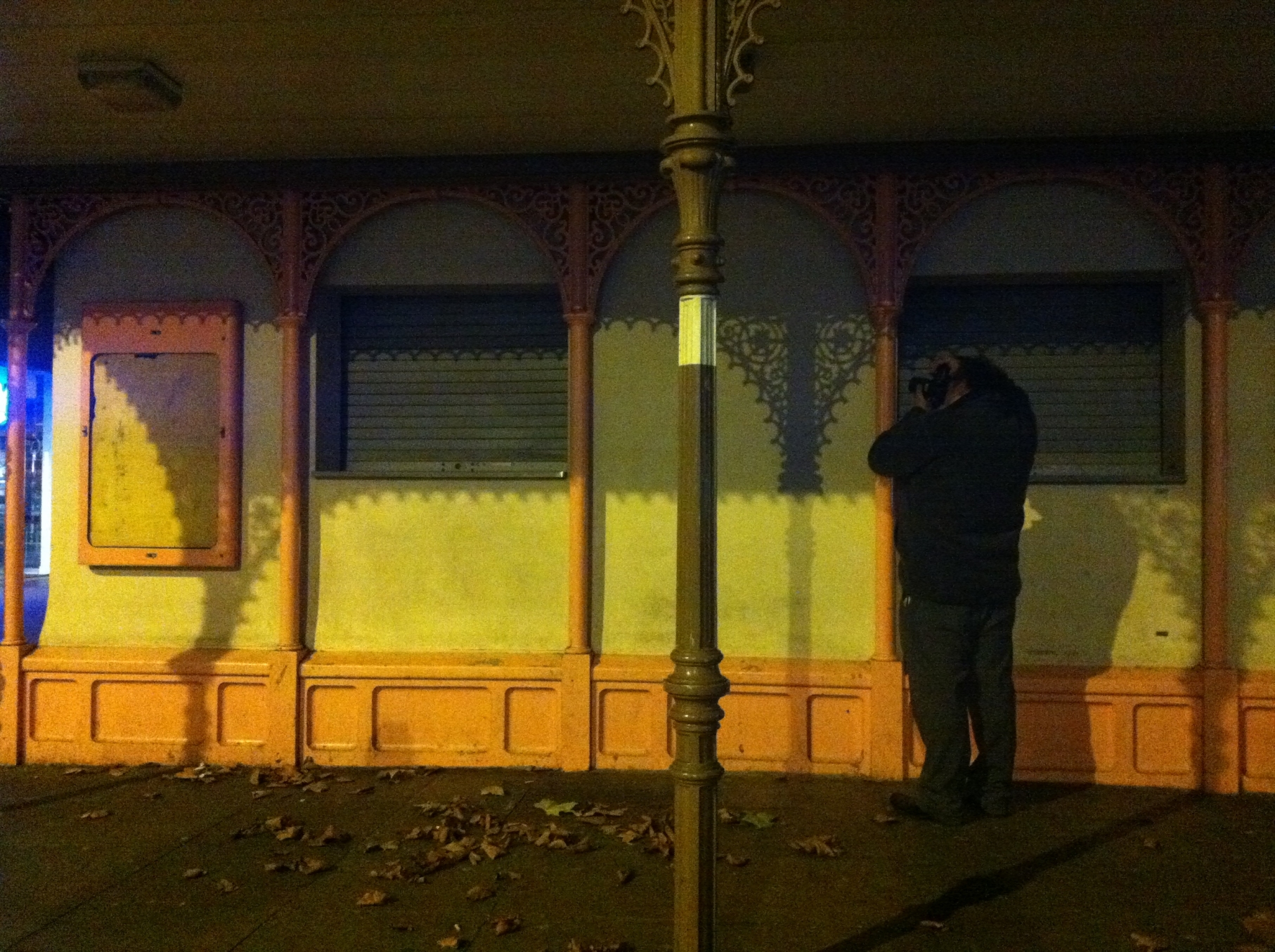
On Friday evening, I went into Lincoln city centre, with a couple of friends to shoot some photos of the Christmas lights and anything else of interest we came across. Between them they had a Sony SLR, and two Nikons – I took my iPhone.

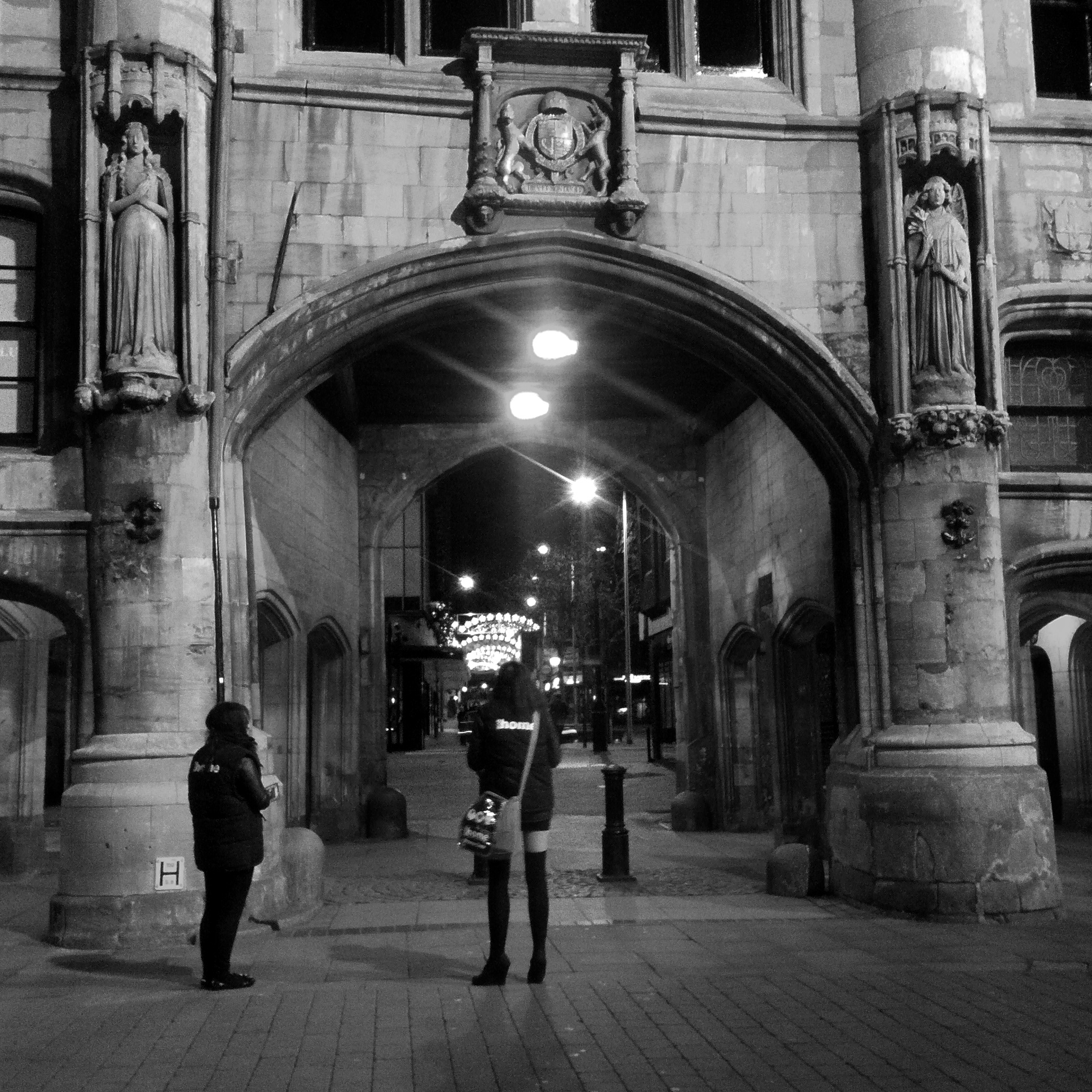
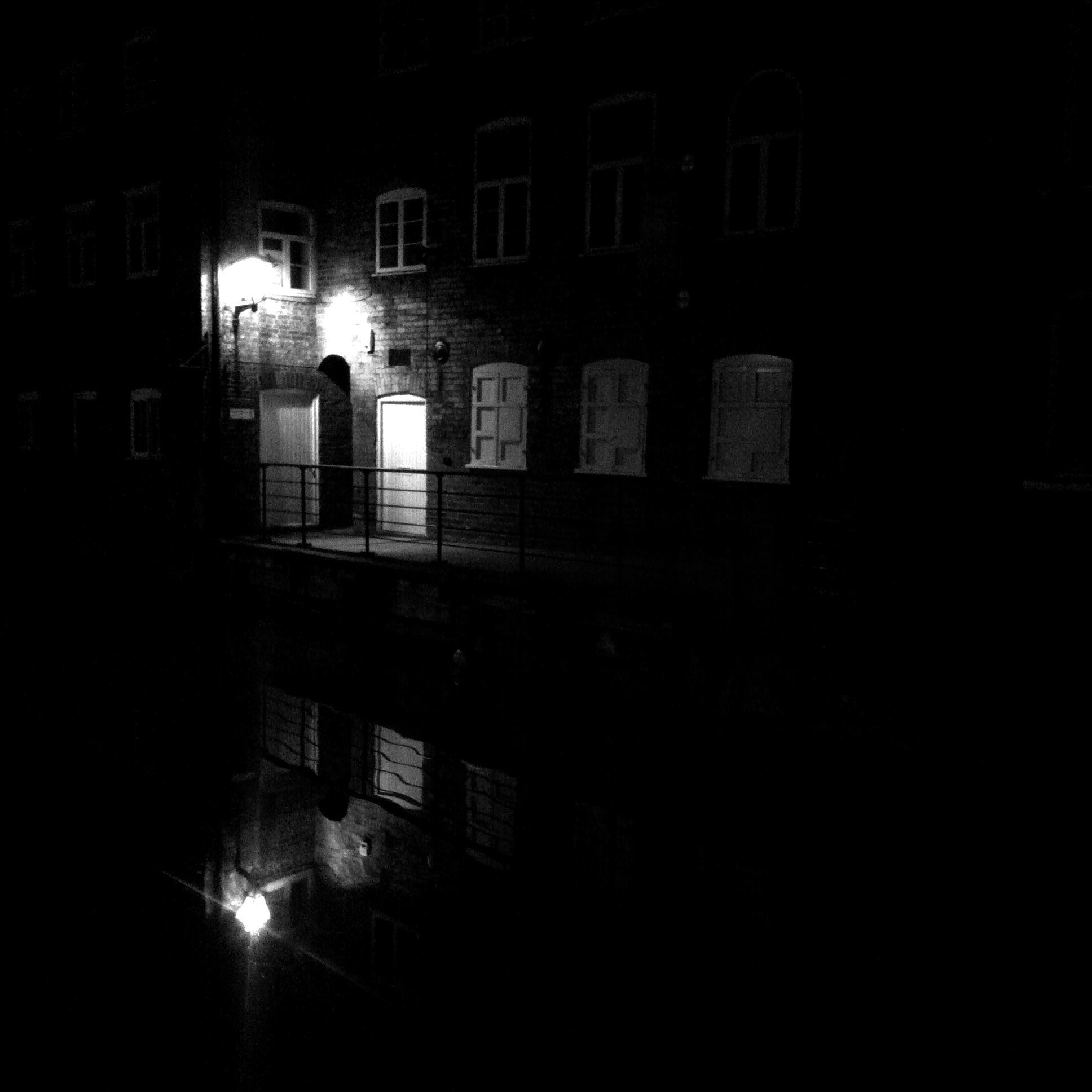
One of the apps I wanted to try out was 6×6, a camera app that takes square images. I know you can crop any photo you take with an iPhone to a square but this app forces you to create your image inside a square, something that photographers used to do when using medium format cameras with 6cm by 6cm film frames. 6×6 also has a setting to take only mono photos (no second colour image saved) – it gives a similar experience to when I used to shoot black and white film.

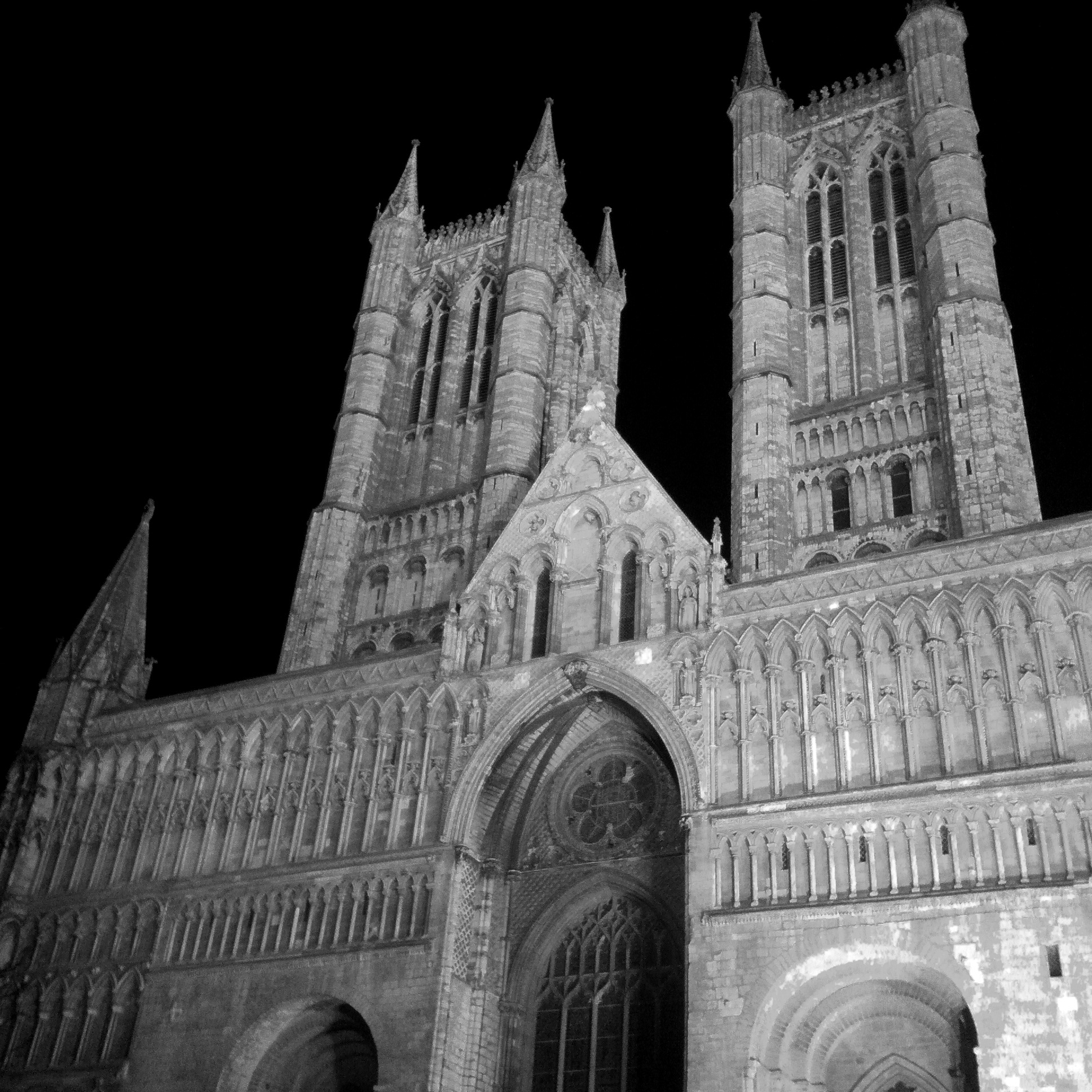
Lincoln Minster

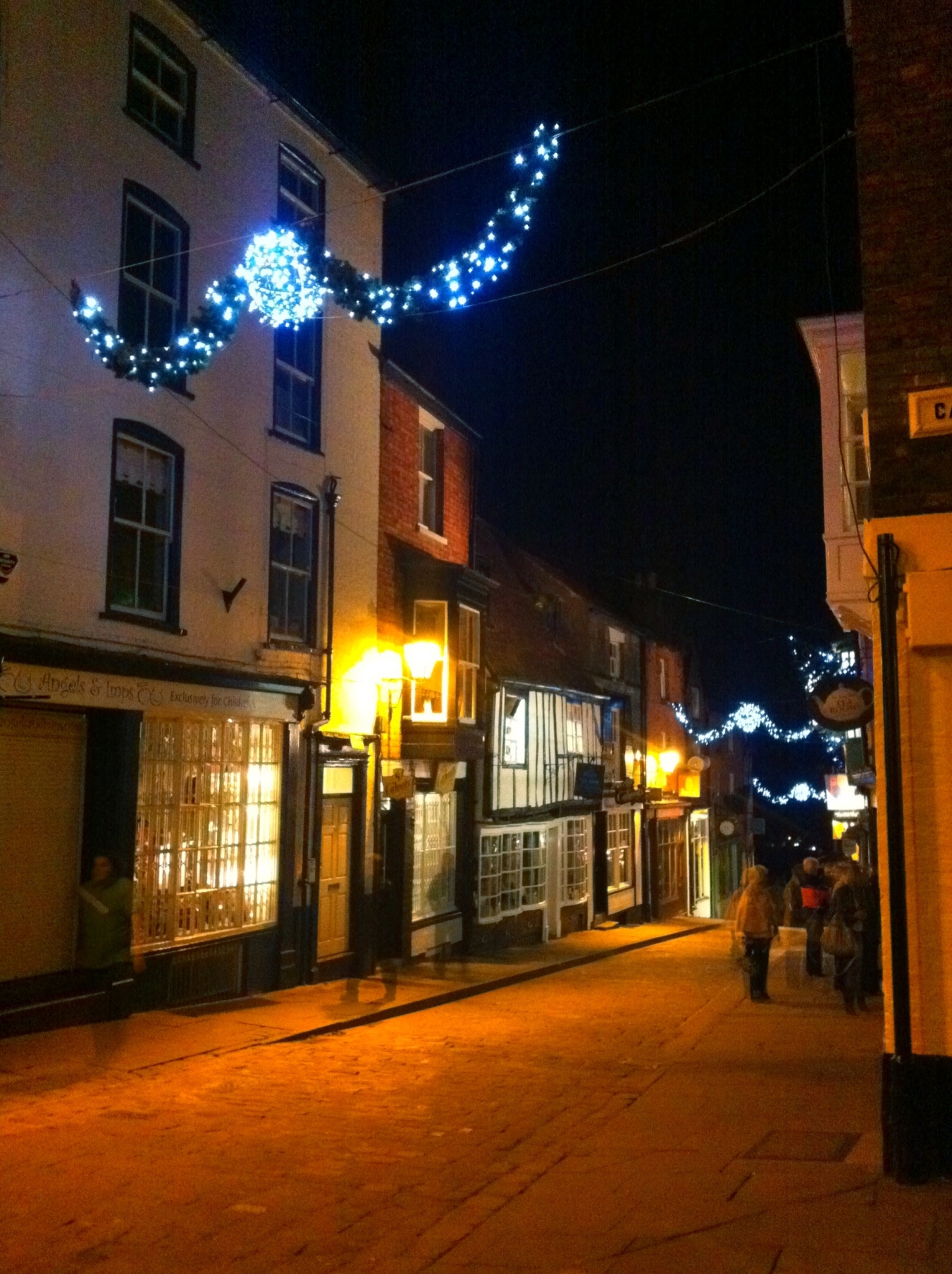
A number of the following shots were taken on Steep Hill – the best street in the UK.

Steep Hill Lincoln

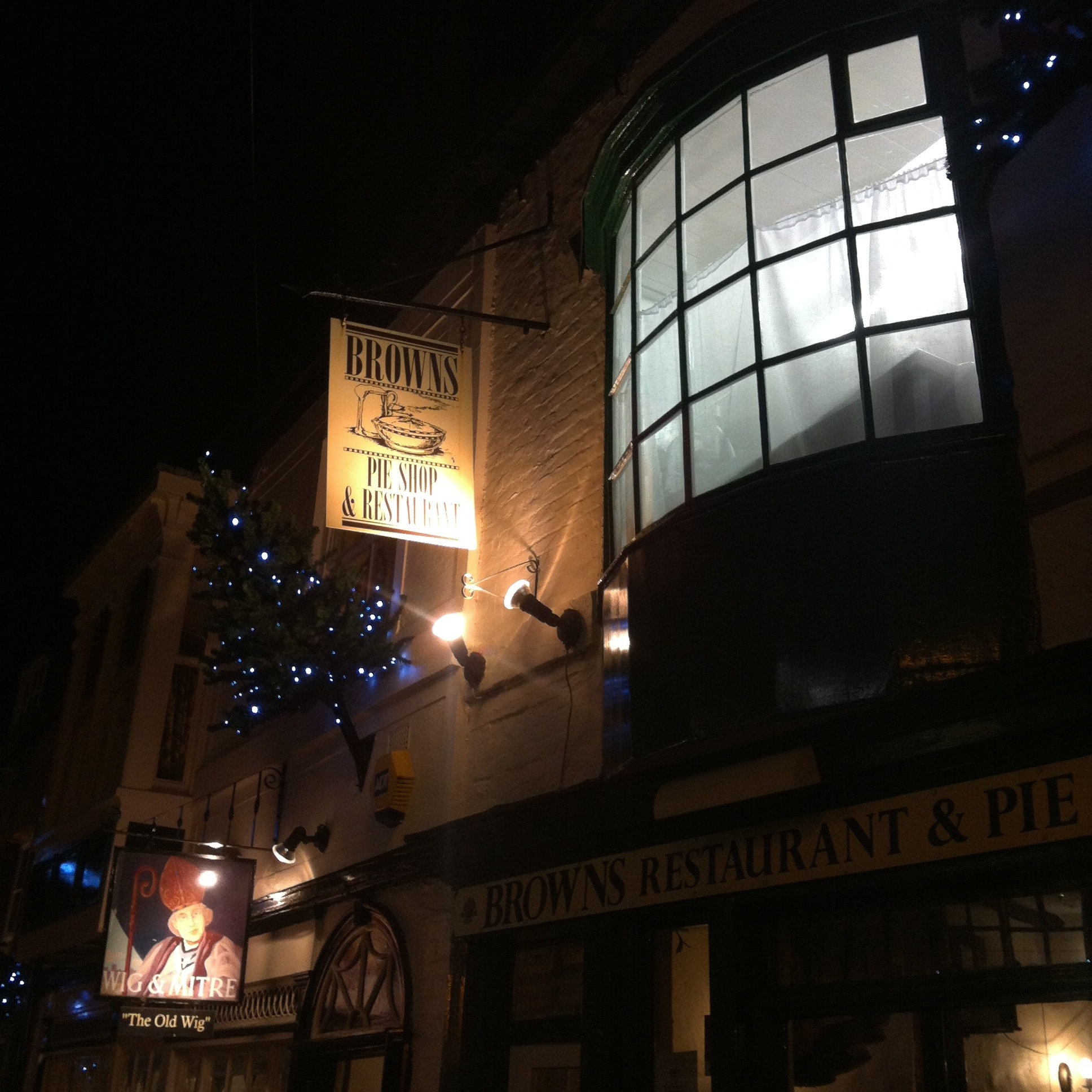
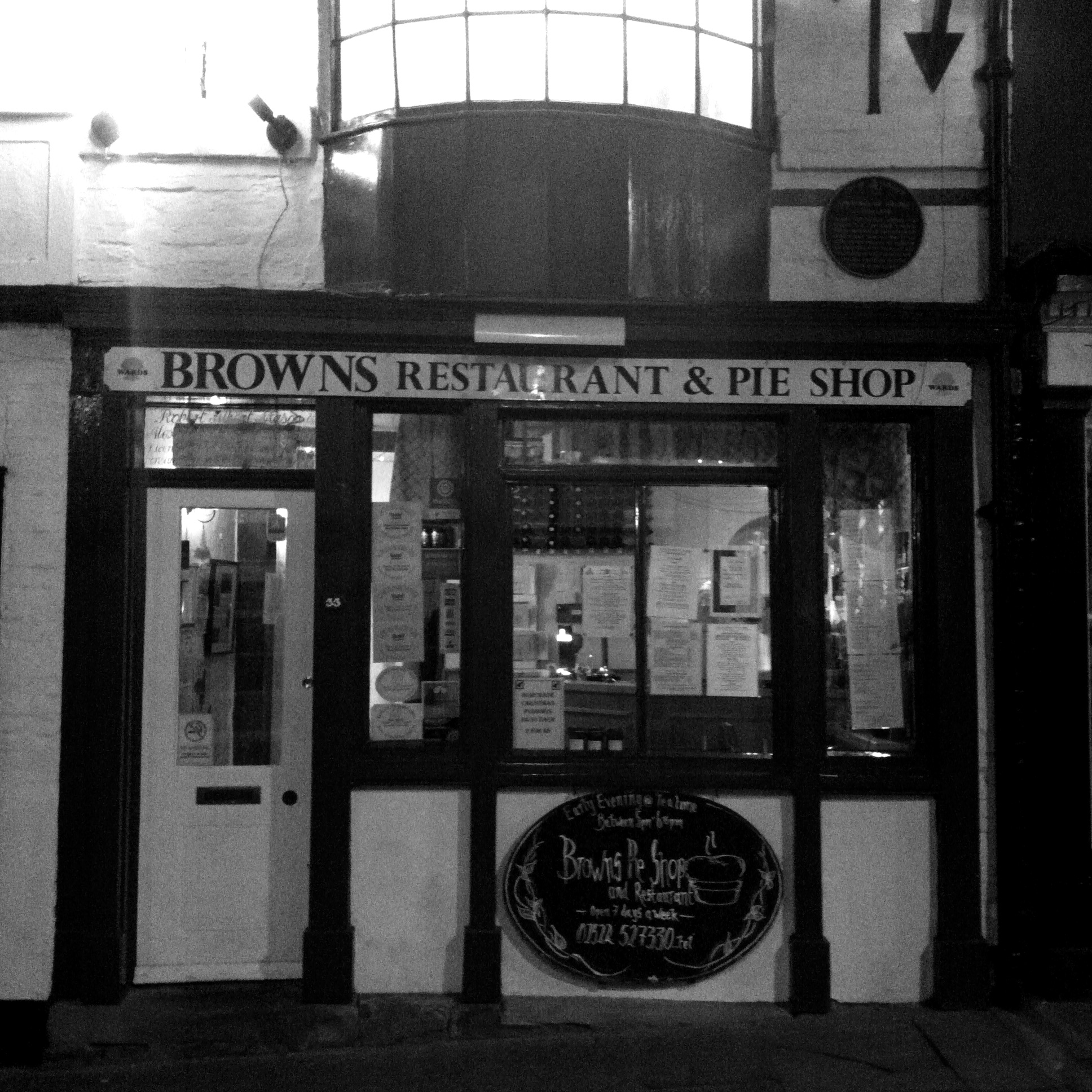
Brown's Pie Shop

The Pie Shop used by Lawrence of Arabia.

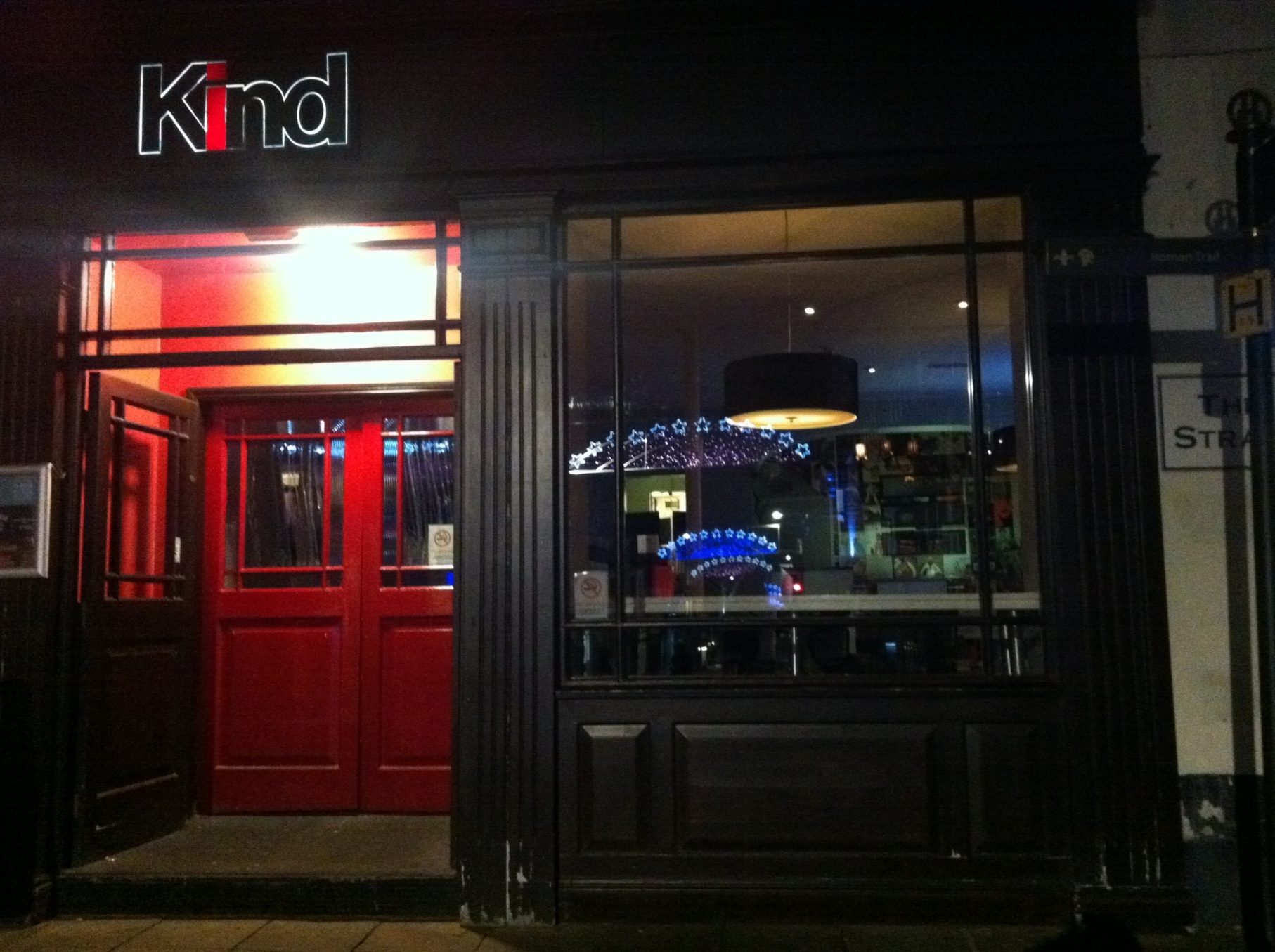
Kind

And the rectangle shot for comparison.

Kind

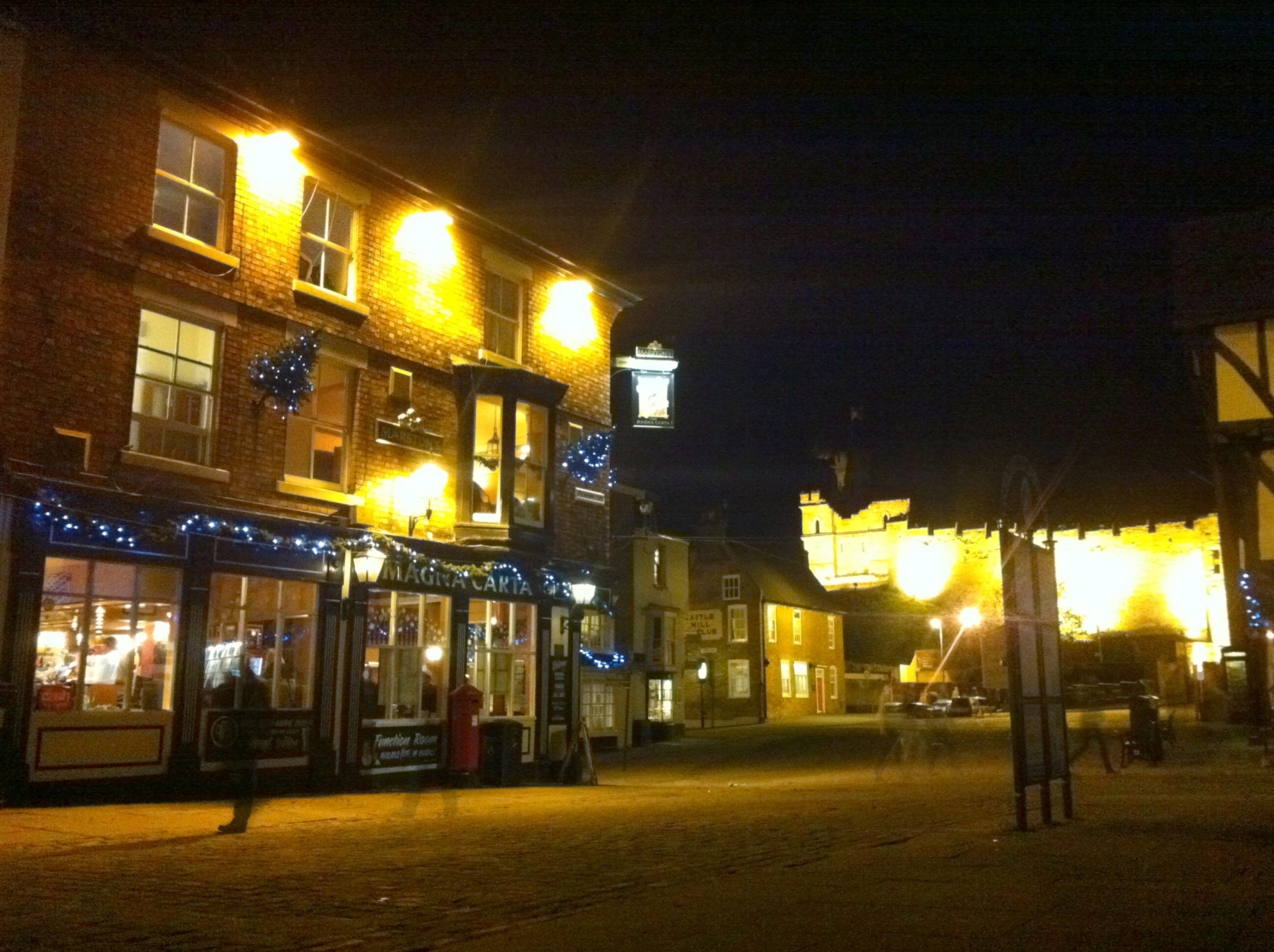
Another camera app I used was Pro HDR, when the app takes two images to make the final shot, it takes some interesting ghost images.

The Magna Carta

Steep Hill Lincoln

Stonebow Lincoln

And in colour…

Stonebow Lincoln

High Street Lincoln

Shadows

Richard

By the Witham

Lincoln City Centre Photographs Read More »

Photogene2

I used to take a lot of black and white photos, on film, using a manual camera (a Nikon FM2) which I then processed and printed myself. It was great fun and I could produce some interesting and satisfying results. I thought it might be interesting to produce some mono images on my iPhone. I have tried the B&W effects available in the Camera+ app but thought it could be better and then I came across Photogene² as a featured app on the iTunes store and decided to try it out.

Photogene² is primarily an image processing app for the iPhone with many options including a fully featured black and white section. The interface is exceptionally good with controls that expand, become semi-transparent or disappear as you edit your image making it very easy to manipulate the effect you want. I particularly liked the contrast and exposure effect on the mono image to make the photo look like it had been printed on hard, high contrast, grade 5 paper – a result I was keen to produce.

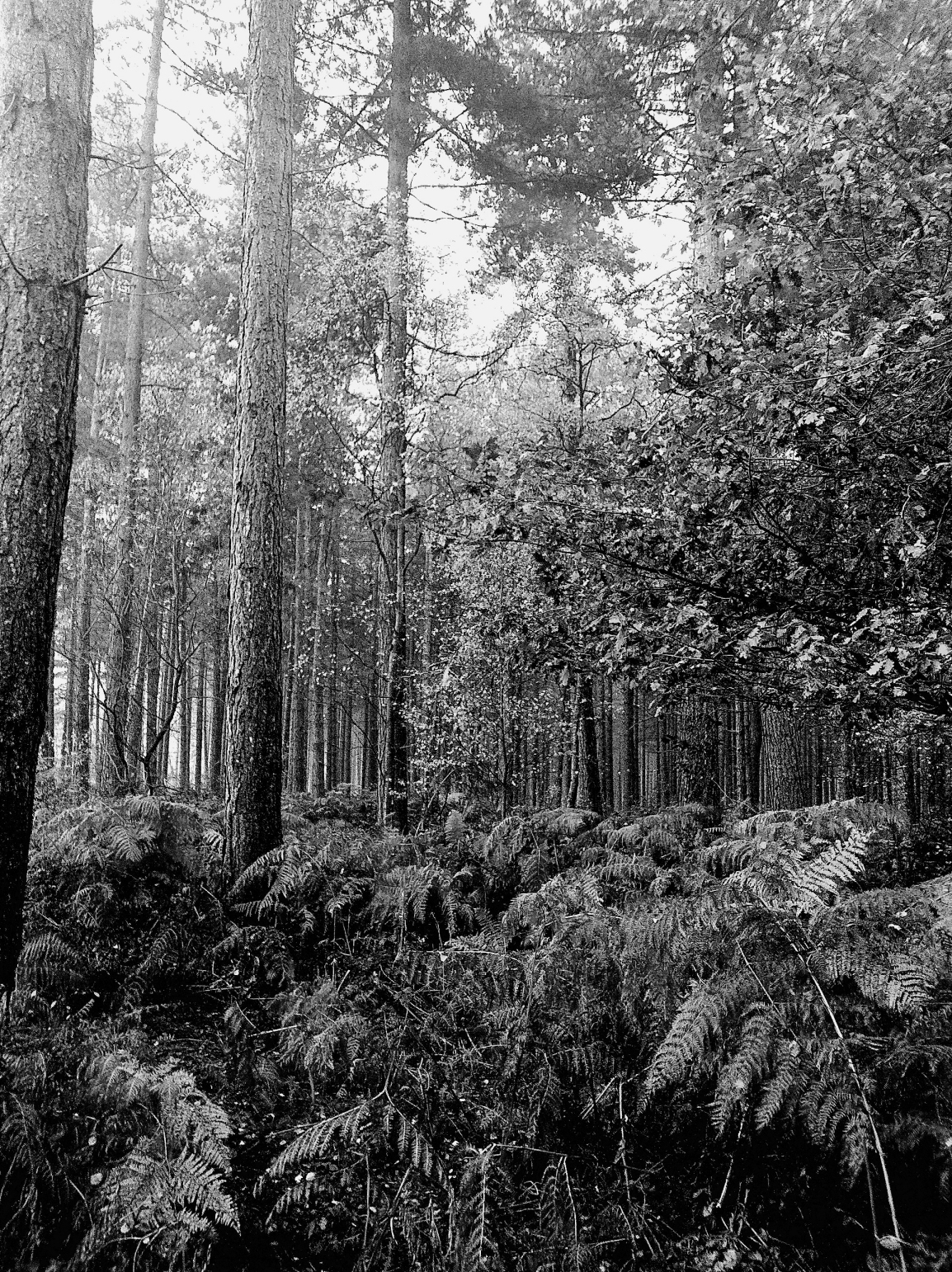
Below is the first image I have made using the app (if I forget about the others I just experimented with).

Woodland

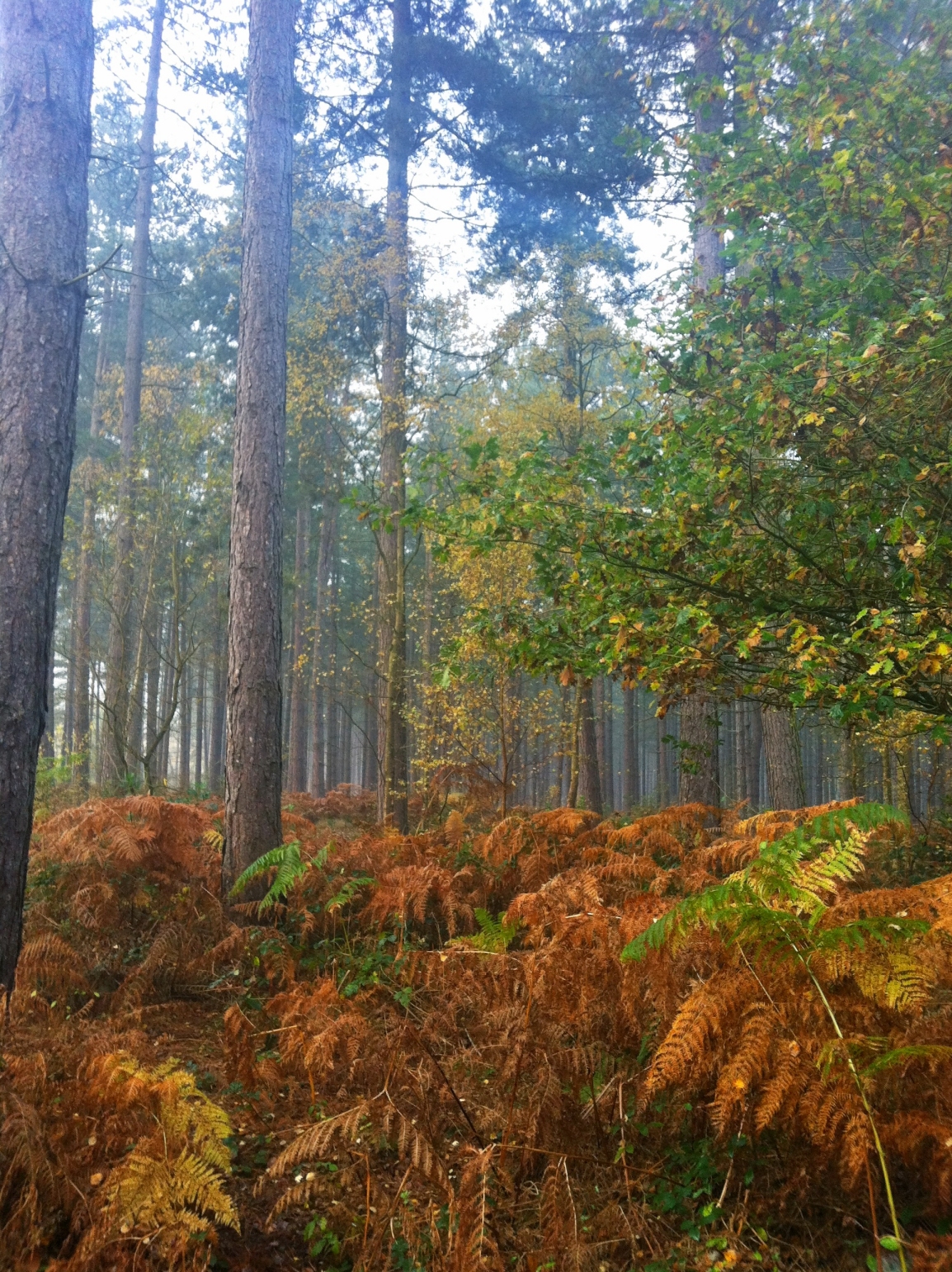
The original image was made using Pro HDR – below is the starting image, with the colour saturation tweaked up a bit in the app, before saving.

Another feature of Photogene² is that it has a Black and White camera function, which displays in black and white as you frame the shot, to which you can add filters in real-time – I am looking forward to trying that out on some landscapes next time I go walking.

It looks like this is a good addition to my growing collections of camera and imaging apps on my iPhone digital camera.

Photogene2 Read More »