A Walk Along the Shore at Morecambe Bay
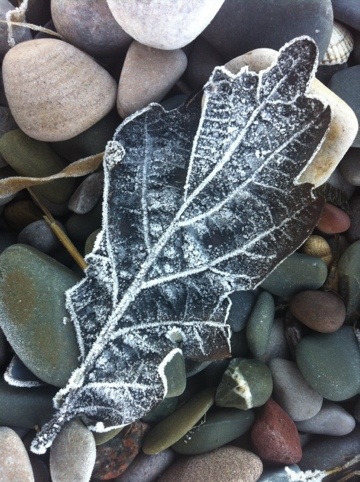
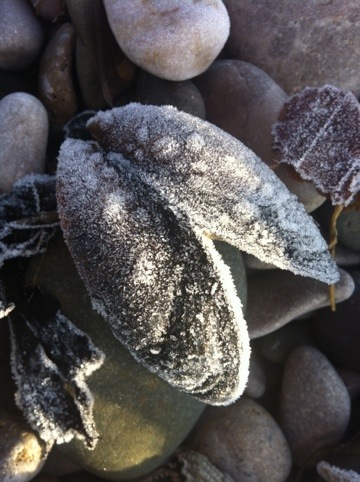
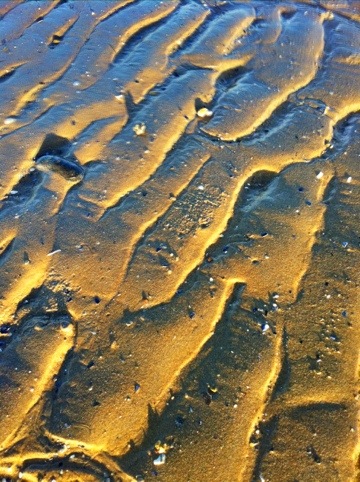
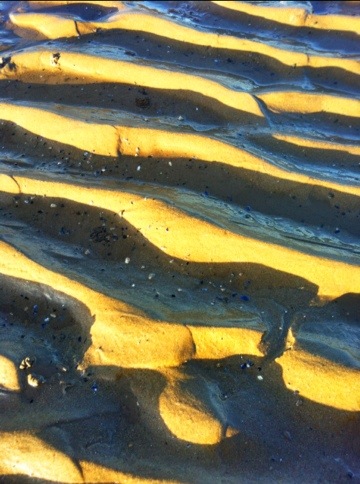
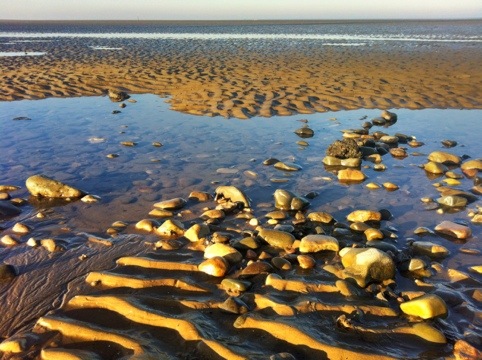
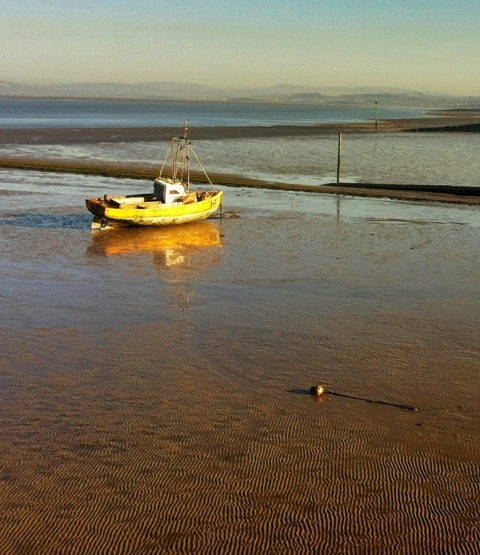
I was told that the overnight temperature at Morecambe was -6c – which explained the frozen beach.

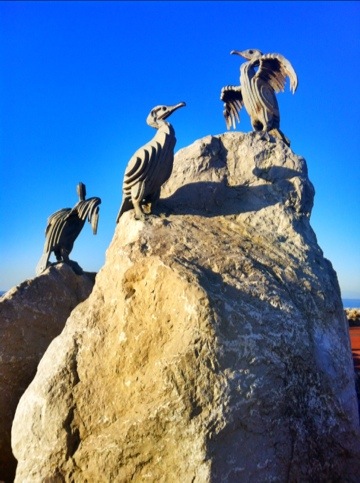
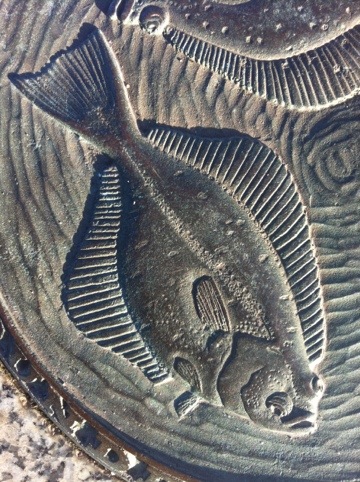
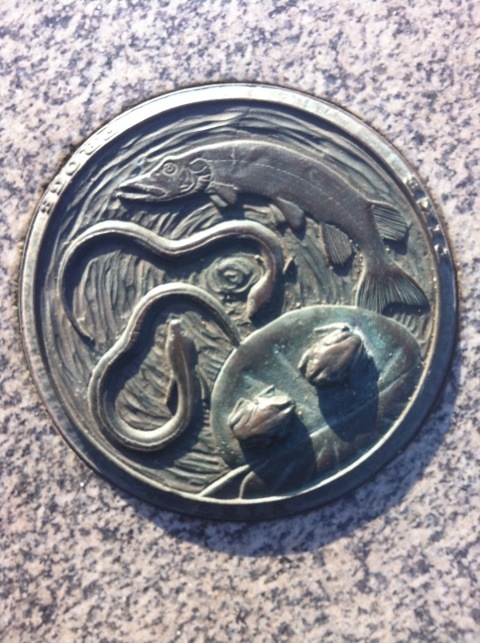

A Walk Along the Shore at Morecambe Bay Read More »
I was told that the overnight temperature at Morecambe was -6c – which explained the frozen beach.
A Walk Along the Shore at Morecambe Bay Read More »
I went for a short walk west of Branston this afternoon.

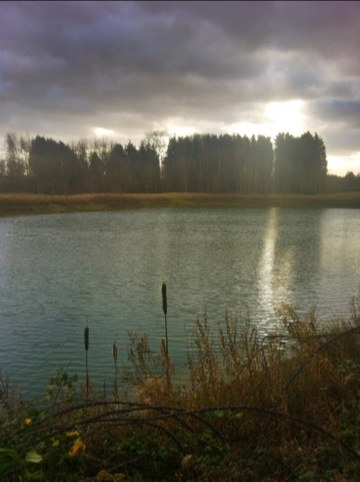
The weather took a turn for the worst – cold and windy. I found a convenient log to sit on, to boil some water for soup.

It was a struggle to get the stove to light in the wind and even with the wind shield it took over 30mls of meths to heat the water – which did not quite reach boiling! I will have to take this into account when packing fuel for my back packing trips – I might not be allowing enough fuel on my packing list.
All Saints Church, Branston Read More »
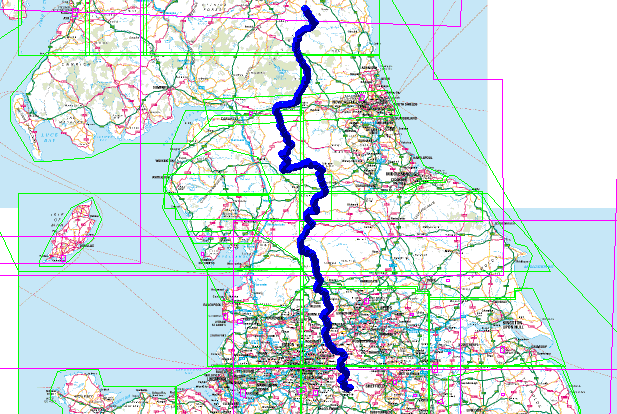
Pennine Way Route gpx file is available on the Downloads page. This route was created using Memory Map on my laptop and then used in the field on my smartphone – read more about my backpacking tech here.
This English National Trail connects Edale to Kirk Yetholm crossing the backbone of the country, passing through a number of National Parks. Near Keld it also crosses Wainwright’s Coast to Coast path.
Fifty Years of the Pennine Way
I have a selection routes, in GPX format and a lightweight backpacking gear list spread sheet available for free download – see here.
Read my article – here – on how I keep my Memory Map files in Microsoft OneDrive so they are available on my iPhone.
This article is sponsored by Octagon Technology – suppliers of hosted secure email compatible with CJSM Secure eMail – Criminal Justice Secure eMail
Pennine Way Route – .gpx Read More »
Whilst Christmas shopping in Aldi, I picked up a few things for my walking trip to Aviemore in mid-January.
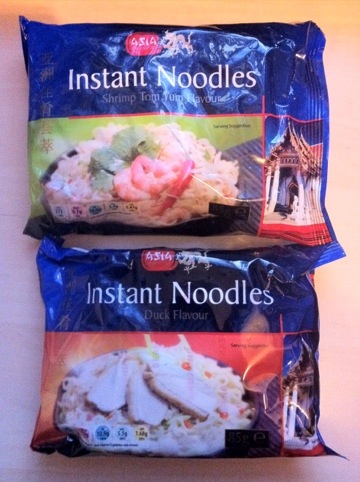
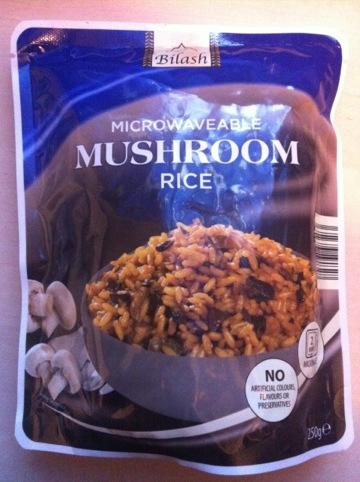
The microwave rice (just heat it in a pot with a couple of spoons of water – you do not need a microwave) looked more interesting than the last varieties I bought and the same for the flavours of the instant noodles.

The Racer bar is like a Snickers bar but with more peanuts and a better size for snacking on when walking.
I also bought some coffee creamer powder and made up a creamer/freeze-dried coffee mix in a small nalgene bottle (2 spoons of creamer to 1 spoon of coffee) as the only pre-mixed sachets I could find in the shop were the sweetened variety.
Since writing this article I now follow the same process but keep the files in my Microsoft OneDrive.
Read more about Backpacking Geek – click here.
One big difference between the versions of Memory-Map on my old Windows 6.5 phone and my current iPhone is the way they handle imported routes from the PC version of the software. The Windows version simply connected to the complete route library in the PC application, then on the phone you could choose which routes from that list to show, turning them on and off as required. On the iPhone you have to load the routes individually and once you have finished with that route unload it and then load another (keeping too many routes loaded at one time impacts the performance of the app). The “Save as” gpx file in Memory-Map PC version solves the problem.
But the issue is getting the routes into the app from Memory-Map on the PC. The first thing you have to do is save the individual routes as gpx files on your PC. In my Memory-Map I have a category for Lincolnshire – which has over sixty entries, both routes and location markers – if I save the whole of this category as a gpx file when I open it on the iPhone it is too confusing on the screen to be useful – another reason to limit the open routes/markers on the iPhone.
In the knowledge base on the Memory-Map website it describes how to email gpx files to your iPhone for use in the Memory-Map app. However I use my Dropbox account to transfer (and store) my gpx routes and markers.
It is easy to save gpx files on my PC with descriptive names, into a Dropbox folder, these then synchronise to my Dropbox online. Using the Dropbox app on my iPhone I can access the files.
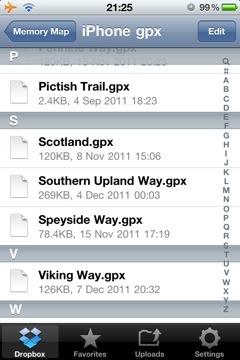
gpx files in a Dropbox folders
These files are opened in Dropbox, by tapping on them – they open as text files. By then tapping on the “open in” icon I can choose to open the file in Memory-Map.
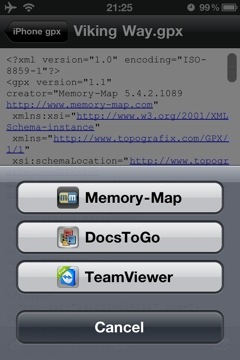
showing the “open in” option
The gpx file is loded into the Marks and Routes section of the Memory-Map app.
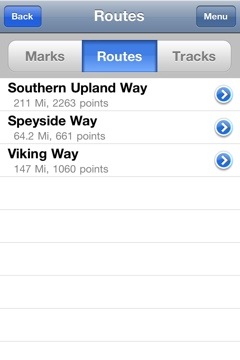
the gpx file available for use in Memory Map
From there it can be opened and used on a map.
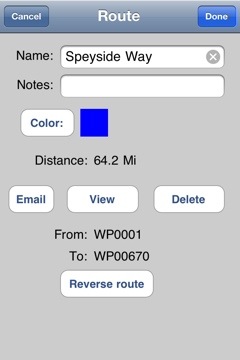
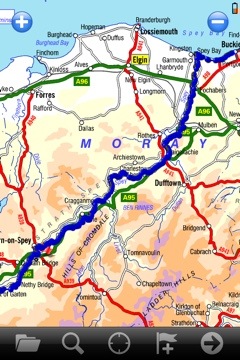
I have a number of gpx files available for free download here – more are always being added.
This article is sponsored by Octagon Technology.
Loading gpx Files into Memory Map on the iPhone Read More »
I have added a plot of the Southern Upland Way to my Download page – the file is the standard .gpx format so it is useable in a wide range of GPS units and applications. I am usiing it in Memory Map and on my iPhone.
There were some problems plotting the route on my 50k OS map – at the following locations – the route was not clear on the map.
If you use this route you will have to take care over those sections.
I plotted the route to skirt Glengaber Hill.
This is a walk I am planning to undertake in the summer of 2013. The plan at this time is to take fourteen days, carry lightweight camping gear and to stay in a mixture of campsites, wild camping and bed and breakfasts. Carrying food as required and resupplying along the route.
Southern Upland Way- .gpx file Read More »
A short walk in the woods yesterday.

I set out early and took some extra breakfast with me – and boiled water on my meths stove for tea, having found a convenient fallen tree, in a quiet clearing, to sit on.

I had to stand over the sapling, below, to get the frame I wanted and from that position I could not hold the iPhone steady enough, so I used the “stabiliser” finction in the Camera+ app to get a sharp image.


A Walk in the Woods Read More »